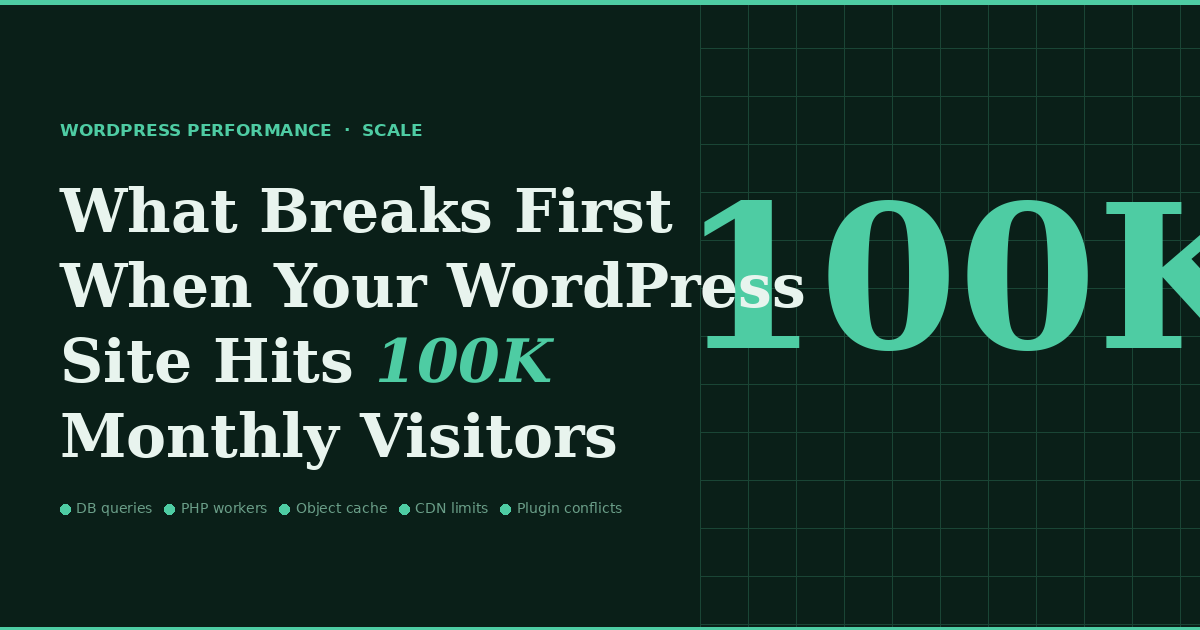
What Breaks First When Your WordPress Site Hits 100K Monthly Visitors
 WordPress Development
|
WordPress Development
|  4 minutes
Table of Contents
- 1. The Database Becomes the Bottleneck
- 2. PHP Workers Get Exhausted
- 3. Plugin Conflicts Surface Under Load
- 4. Hosting Costs Become Disproportionate
- 5. Core Web Vitals Scores Slip
- The Preparation That Prevents the Pain
A hundred thousand monthly visitors sounds like a milestone worth celebrating. And it is — until you realize that WordPress, in its default configuration, was never designed to handle it gracefully. The transition from a site that performs well at 20,000 or 30,000 monthly visitors to one that holds up at 100,000 is not just a matter of more traffic. It’s a qualitative shift in the demands placed on every layer of your infrastructure. Here’s what gives way first, and roughly in what order.

1. The Database Becomes the Bottleneck
WordPress stores everything in MySQL — posts, pages, settings, user data, session information, plugin configurations, transient cache. The wp_options table alone can grow to thousands of rows on a mature site, and it’s queried on virtually every page load with limited indexing. At low traffic, queries execute fast enough that this doesn’t matter. At 100,000 monthly visitors — especially with traffic concentrated during peak hours — concurrent database connections pile up, query wait times increase, and page response times balloon.
WooCommerce sites compound this dramatically. Every product view, stock check, cart update, and order query hits the database. Sites with large product catalogs or high transaction volumes can overwhelm a shared or entry-level managed database server well before reaching the 100K visitor mark.
2. PHP Workers Get Exhausted
Most WordPress hosting plans provision a fixed number of PHP workers — the processes responsible for executing your site’s code and generating page output. When all workers are busy, incoming requests queue. When the queue fills, requests begin to fail. On a shared hosting plan, you might have four to eight PHP workers. A traffic spike that generates 50 concurrent page requests will instantly exhaust that pool, causing visible slowdowns or outright 500 errors for real visitors.
This is why many sites appear to perform acceptably under normal testing — a developer loading a page one at a time sees nothing wrong. The failure only manifests under realistic concurrent load, which most teams never simulate before problems appear in production.
Struggling With WordPress Performance At Scale?
3. Plugin Conflicts Surface Under Load
Plugins that coexist peacefully at low traffic volumes can begin interfering with each other under load. Caching plugins that conflict with dynamic content generators, security plugins that create excessive database write operations, or backup plugins that schedule heavy operations during peak hours can all cause intermittent errors that are difficult to diagnose because they don’t reproduce consistently in development environments.
At 100K visitors, the probability that several visitors simultaneously trigger an edge-case plugin conflict rises from theoretical to routine. These failures show up as mysterious checkout errors, intermittent 404s, or forms that submit successfully but don’t send confirmation emails — the kind of bugs that erode customer trust long before they’re caught and fixed.
4. Hosting Costs Become Disproportionate
The cost structure of shared and entry-level managed WordPress hosting doesn’t scale linearly with traffic. Plans designed for smaller sites often require significant upgrades — sometimes multiple tiers — to handle 100K monthly visitors reliably. Teams that don’t plan for this discover it reactively, after performance degradation has already affected conversions and user experience.
5. Core Web Vitals Scores Slip
Google measures your site’s performance from real user data aggregated in the field. As your site slows under load, the real-world performance data feeding into your Core Web Vitals scores reflects actual visitor experiences — not your local developer tests. LCP scores worsen, INP increases, and CLS can spike if above-the-fold elements shift while scripts continue to load. Rankings that held steady at lower traffic levels can begin to decline precisely when you’d expect growth from increased visibility.
The Preparation That Prevents the Pain
Sites that navigate 100K visitors without breaking do so because their infrastructure was prepared before traffic arrived, not after. Full-page caching that serves pre-rendered HTML to the majority of visitors, an object cache like Redis to reduce database pressure, a CDN to offload static assets, and a hosting environment with sufficient PHP workers and database resources are the baseline. None of this is exotic. All of it is preventable before it becomes an emergency.
 April 24, 2026
 WordPress Development
 WordPress Development
 WordPress Development
 WordPress Development