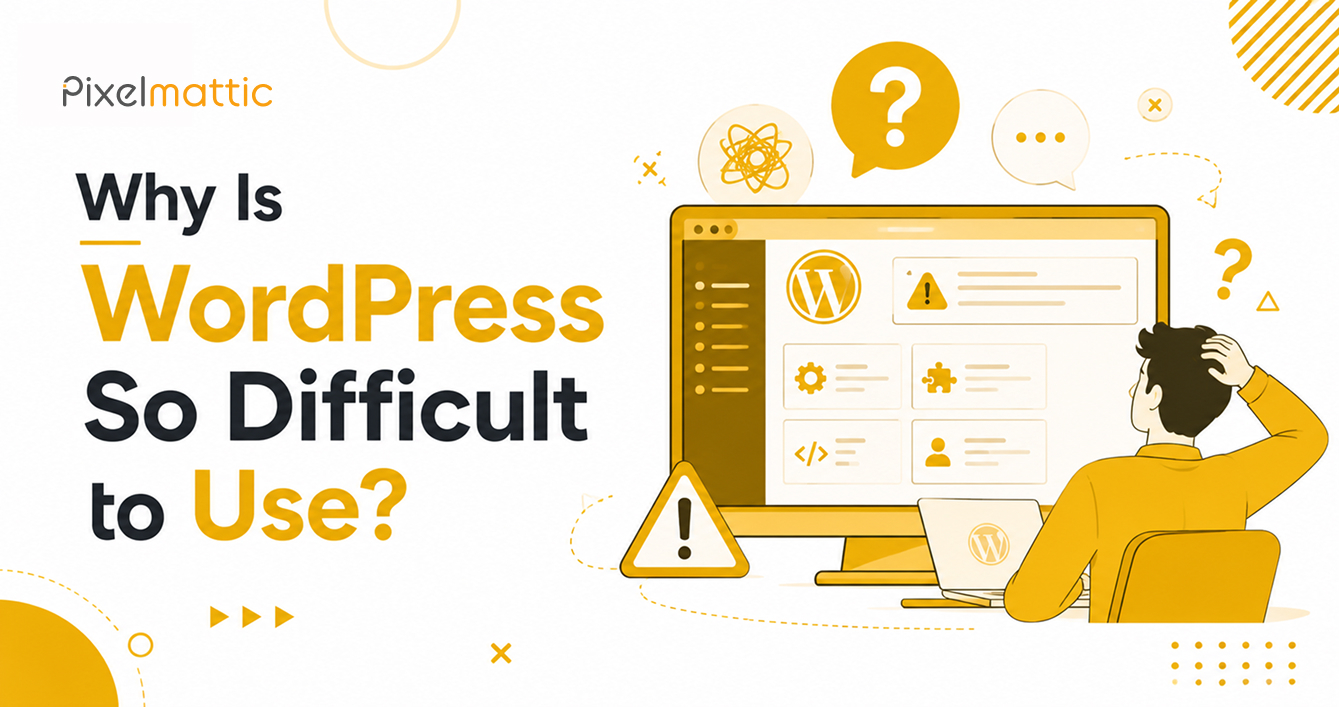
Why Is WordPress So Difficult to Use?
 WordPress Development
|
WordPress Development
|  4 minutes
Table of Contents
- WordPress Core Is Actually Quite Simple
- The Real Sources of WordPress Difficulty
- What a Well-Built WordPress Site Should Feel Like
- How to Make WordPress Easier for Your Team
- Frequently Asked Questions
If you’ve spent time in the WordPress dashboard feeling lost — unsure which of forty plugin settings matters, confused by page builder options, or frustrated that a simple content update seems to require technical knowledge — you’re far from alone. WordPress has a real reputation for being harder to use than it should be.
But the difficulty isn’t inherent to WordPress itself. It’s almost always a function of how the site was built and configured. Understanding why will help you make better decisions about your own website.
WordPress Core Is Actually Quite Simple
Out of the box, WordPress’s core content management functionality — creating pages, writing posts, managing media — is genuinely straightforward. The Gutenberg block editor, WordPress’s default editing interface, is designed to be intuitive for non-technical users.
The complexity most business owners experience comes from what’s layered on top of that core: plugins, page builders, custom fields, and theme options — often stacked together without much consideration for how a non-technical person will eventually manage the site day to day.
The Real Sources of WordPress Difficulty
Over-engineered page builders: Tools like Elementor and Divi offer enormous flexibility, but that flexibility comes with a steep learning curve. A site built entirely with nested sections, columns, and custom widgets can be genuinely confusing for a business owner making a simple text edit.
Too many plugins with overlapping functionality: Each plugin adds its own settings panel, its own logic, and its own way of doing things. A site with 30+ plugins is inherently harder to navigate than one built with a lean, purposeful stack.
No client training at handover: Many developers deliver a finished site without training the client on how to use it. The platform isn’t the problem — the absence of onboarding is.
Poorly organised content structure: If pages, categories, and custom post types aren’t organised logically, finding and editing content becomes a scavenger hunt regardless of how intuitive WordPress itself is.
Inconsistent design patterns: When different pages use different layout approaches (because they were built at different times, by different people, or with different tools), every content update requires relearning the interface.
What a Well-Built WordPress Site Should Feel Like
A properly built and configured WordPress website should allow a non-technical business owner to: update text and images without touching code, add a new blog post using a simple, consistent editor experience, manage basic SEO settings (titles, descriptions) through a straightforward interface, and make small layout adjustments without breaking the design.
If your current experience doesn’t match this, the issue lies with the build — not with WordPress as a platform.
How to Make WordPress Easier for Your Team
Request a content management training session as part of any development handover. Ask your developer to build using a simplified, consistent content structure rather than a different approach for every page. Reduce the plugin count to only what’s genuinely necessary. Consider a lightweight, purpose-built theme rather than an over-featured page builder if your content needs are relatively simple.
The right build, matched to your team’s actual technical comfort level, makes an enormous difference to day-to-day usability.
Want a WordPress Site Your Whole Team Can Actually Manage Confidently?
Talk to Pixelmattic about building for usability, not just aesthetics.
Frequently Asked Questions
Is WordPress harder to use than website builders like Wix or Squarespace?
WordPress has more capability and flexibility, which can translate to a steeper learning curve if the site is built with excessive complexity. A well-built, purposefully configured WordPress site can be just as easy to manage as any drag-and-drop builder.
Do I need technical skills to manage a WordPress website?
For day-to-day content updates on a properly built site, no. Technical skills become necessary for things like plugin updates, security management, and custom functionality — which is why many businesses opt for a maintenance retainer with a developer or agency.
Why does my WordPress site feel so complicated compared to others I’ve used?
This is almost always due to how the specific site was built — the number of plugins, the page builder used, and whether it was designed with the end user’s technical comfort in mind — rather than a limitation of WordPress itself.
 September 17, 2026
 WordPress Development
 WordPress Development
 WordPress Development
 WordPress Development