WordPress Security Issues : What You Need to Know
 WordPress Development
|
WordPress Development
|  4 minutes
Table of Contents
- Where WordPress Security Risks Actually Come From
- Common Types of WordPress Security Incidents
- Practical Security Measures That Actually Matter
- What to Do If Your Site Is Compromised
- Frequently Asked Questions
Because WordPress powers such a large share of the web, it’s a frequent target for automated attacks and exploitation attempts. This doesn’t mean WordPress is inherently insecure — it means that, like any widely used platform, security requires active attention rather than passive assumption.
This guide gives business owners a clear, non-technical understanding of where WordPress security risks actually come from and what practical measures genuinely reduce them.
Where WordPress Security Risks Actually Come From
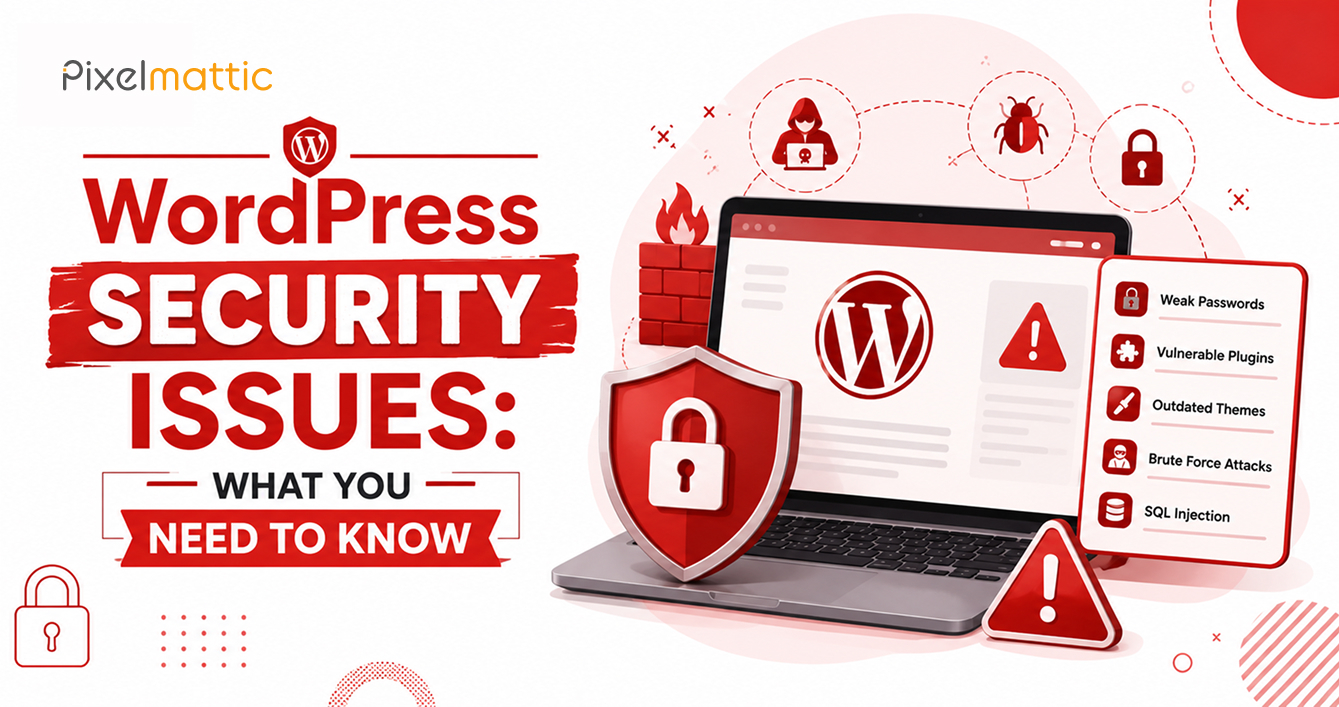
It’s a common misconception that WordPress core itself is insecure. In reality, the vast majority of successful attacks exploit: outdated plugins or themes with known vulnerabilities, weak or reused passwords, poor hosting security, and nulled (pirated) plugins that often contain hidden malicious code.
WordPress core is actively maintained and generally secure when kept updated. The security burden overwhelmingly falls on the surrounding ecosystem — plugins, themes, hosting, and user practices.
Common Types of WordPress Security Incidents
Malware injection: Malicious code inserted into site files, often used to redirect visitors, serve spam content, or mine cryptocurrency using visitor browsers.
SQL injection: Exploiting poorly coded forms or plugins to gain unauthorised database access.
Brute-force login attacks: Automated bots attempting large volumes of password combinations against the WordPress login page.
Cross-site scripting (XSS): Injecting malicious scripts, often through vulnerable plugins, that execute in visitors’ browsers.
Backdoor access: Hidden files that allow attackers to regain access even after an initial breach is ‘fixed’, if not properly cleaned.
Practical Security Measures That Actually Matter
Keep everything updated: WordPress core, themes, and plugins should be updated promptly. Most successful attacks exploit known, already-patched vulnerabilities on sites that simply haven’t updated.
Use strong, unique passwords and two-factor authentication: This alone prevents the majority of brute-force login attempts from succeeding.
Limit login attempts: Plugins that lock out IP addresses after repeated failed login attempts significantly reduce brute-force attack success rates.
Choose quality hosting: Managed WordPress hosting providers typically include server-level security measures — firewalls, malware scanning, and isolated environments — that shared, budget hosting often lacks.
Install a reputable security plugin: Plugins like Wordfence or Sucuri provide firewall protection, malware scanning, and activity monitoring.
Remove unused plugins and themes: Inactive plugins and themes can still contain exploitable vulnerabilities, even when not actively in use.
Maintain regular, tested backups: If an incident does occur, a recent, verified backup is what determines whether recovery takes minutes or days.
Restrict user permissions: Not every team member needs administrator access. Assign the minimum permission level necessary for each user’s role.
What to Do If Your Site Is Compromised
If you suspect a security breach: take the site offline or put it into maintenance mode immediately to limit further damage; change all passwords (WordPress admin, hosting, database, and FTP); restore from a clean backup taken before the compromise if available; if no clean backup exists, engage a professional malware removal service; and conduct a full security audit before bringing the site back online to identify how the breach occurred.
Acting quickly meaningfully limits the damage — both to your site’s functionality and to your search engine reputation, since Google actively flags compromised sites.
WordPress Security
Want Peace of Mind That Your WordPress Site Is Properly Secured?
Talk to Pixelmattic about ongoing security monitoring and maintenance.
Frequently Asked Questions
Is WordPress safe to use for a business website?
Yes, when properly maintained. WordPress core is actively developed and secure; the majority of security incidents stem from outdated plugins, weak passwords, or poor hosting rather than flaws in WordPress itself.
How often should I update WordPress for security reasons?
Security-related updates should be applied as soon as they’re released and tested. Routine plugin and theme updates should be reviewed at least monthly, ideally through a staging environment first.
What’s the difference between a WordPress security plugin and managed hosting security?
Security plugins operate at the application level (within WordPress itself), while managed hosting security operates at the server level. Both are complementary and, ideally, should be used together for comprehensive protection.
 October 1, 2026
 WordPress Development
 WordPress Development
 WordPress Development
 WordPress Development