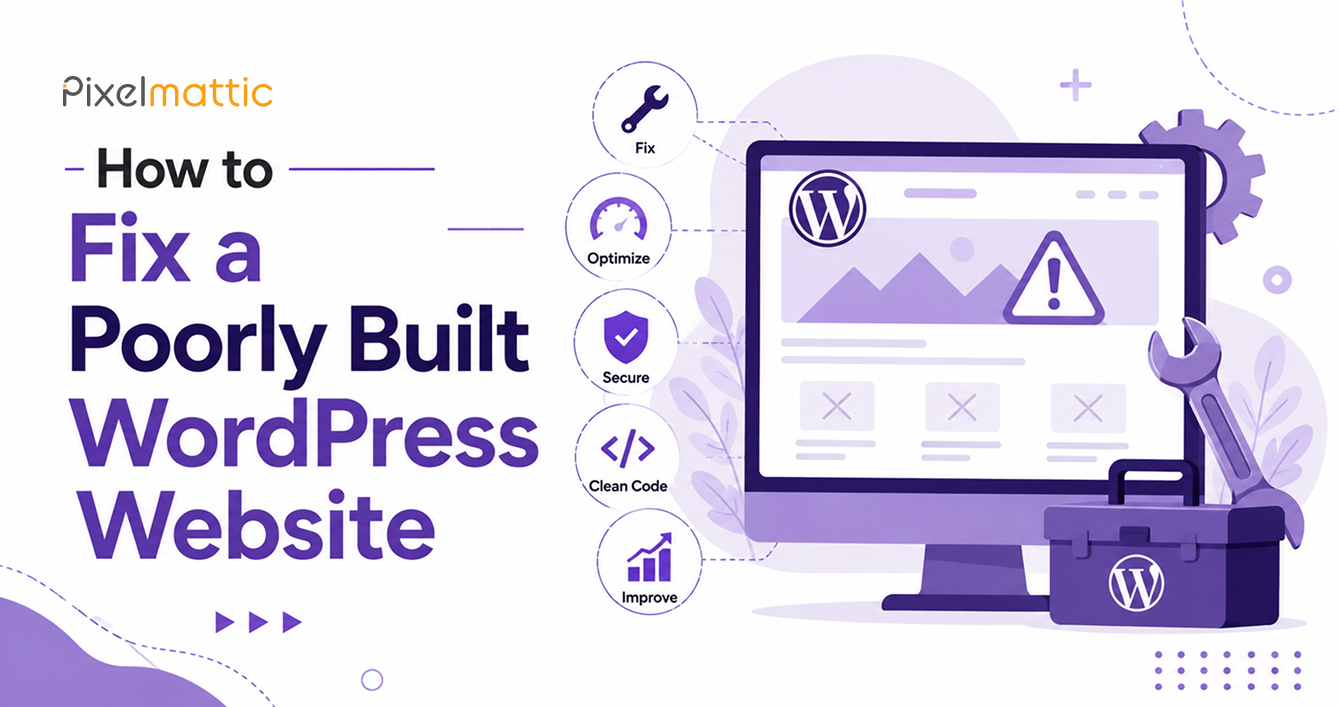
How to Fix a Poorly Built WordPress Website
 WordPress Development
|
WordPress Development
|  4 minutes
Table of Contents
- Start With a Proper Diagnosis, Not a Guess
- Common Root Causes of a Poorly Built Site
- Repair vs. Rebuild: How to Decide
- A Practical Repair Sequence
- Preventing This From Happening Again
- Frequently Asked Questions
It’s a familiar situation: you hired a developer, paid for a website, and the result underperforms. Pages load slowly, the design looks dated or inconsistent, plugins conflict with each other, and updates feel risky because nobody’s confident what might break.
The good news is that most poorly built WordPress sites can be repaired without a full rebuild — if you approach the problem systematically. This guide walks through how to diagnose what’s actually wrong and decide the right path forward.
Start With a Proper Diagnosis, Not a Guess
Before fixing anything, you need to understand the scope of the problem. A structured website audit should assess: page speed (using Google PageSpeed Insights or GTmetrix), mobile responsiveness across devices, broken links and 404 errors, plugin conflicts and outdated plugins, security vulnerabilities, SEO fundamentals (meta tags, heading structure, sitemap), and the underlying code quality if a developer reviews it directly.
Many business owners skip this step and jump straight to fixing symptoms — a slow-loading homepage, a broken contact form — without understanding the root cause. This often leads to repeated, piecemeal fixes rather than a lasting solution.
Common Root Causes of a Poorly Built Site
Plugin bloat: Sites accumulate plugins over time, many of which are redundant, poorly coded, or abandoned by their developers. Excessive plugins are one of the most common causes of slow performance and security vulnerabilities.
Theme-based hacks instead of proper customisation: When a developer forces a theme to do something it wasn’t designed for — using custom CSS overrides layered on custom CSS overrides — the result is fragile and difficult to maintain.
No database optimisation: WordPress databases accumulate revision history, spam comments, and transient data over time. An unoptimised database slows every page load.
Poor hosting environment: Even a well-built site performs poorly on cheap, oversold shared hosting. Sometimes the ‘bad build’ is actually a hosting problem.
No documentation: If the original developer left no documentation of what was built and why, every subsequent change becomes guesswork.
Repair vs. Rebuild: How to Decide
Repair is usually the right call when: the core structure and content are sound but performance and specific features need fixing; the site’s design still aligns with your brand; and the underlying code, while imperfect, isn’t fundamentally broken.
A rebuild is usually the right call when: the technical debt is so extensive that ongoing fixes cost more than starting fresh; the design no longer reflects your brand or business; the site was built on an outdated or unsupported theme/framework; or you’ve had multiple developers attempt fixes without lasting improvement.
A qualified developer or agency should be able to give you an honest assessment after auditing the site — including cost comparisons for both paths.
A Practical Repair Sequence
If repair is the right path, a sensible sequence looks like this: first, set up a staging environment so changes can be tested safely. Second, address security vulnerabilities immediately — update WordPress core, themes, and plugins, and remove anything unused. Third, tackle performance — implement caching, optimise images, and clean the database. Fourth, fix specific broken functionality (forms, navigation, checkout flows). Fifth, review and correct on-page SEO fundamentals. Finally, test thoroughly across devices and browsers before considering the fix complete.
Document everything as you go. If you ever need to bring in another developer, clear documentation saves significant time and cost.
Preventing This From Happening Again
Once your site is fixed, protect the investment: establish a maintenance routine (updates, backups, security monitoring), keep documentation of what’s been built and why, and work with a developer or agency who provides handover documentation as standard practice going forward.
Not Sure Whether Your WordPress Site Needs a Fix or a Rebuild?
Request a website audit from Pixelmattic and get a clear, honest recommendation.
Frequently Asked Questions
How much does it cost to fix a poorly built WordPress website?
Costs vary widely based on scope, but a moderate repair typically runs $500–$3,000, while a full rebuild can range from $3,000–$15,000 depending on complexity. An audit will clarify which path — and what price range — applies to your site.
Can a bad WordPress website be fixed without starting over?
In most cases, yes. Unless the underlying code is fundamentally broken or the site was built on unsupported technology, targeted repairs to performance, security, and specific functionality are usually more cost-effective than a full rebuild.
How do I know if my WordPress website was built poorly?
Warning signs include slow load times, frequent errors after updates, inconsistent design across pages, excessive or conflicting plugins, and no documentation of what was built. A professional audit will confirm the specifics.
 September 17, 2026
 WordPress Development
 WordPress Development
 WordPress Development
 WordPress Development