What’s Included in WordPress Website Maintenance?
 WordPress Development
|
WordPress Development
|  4 minutes
Table of Contents
- Core Maintenance Components
- What Should NOT Be Assumed to Be Included
- Typical Maintenance Plan Tiers
- Why Maintenance Matters More Than Business Owners Often Realise
- Frequently Asked Questions
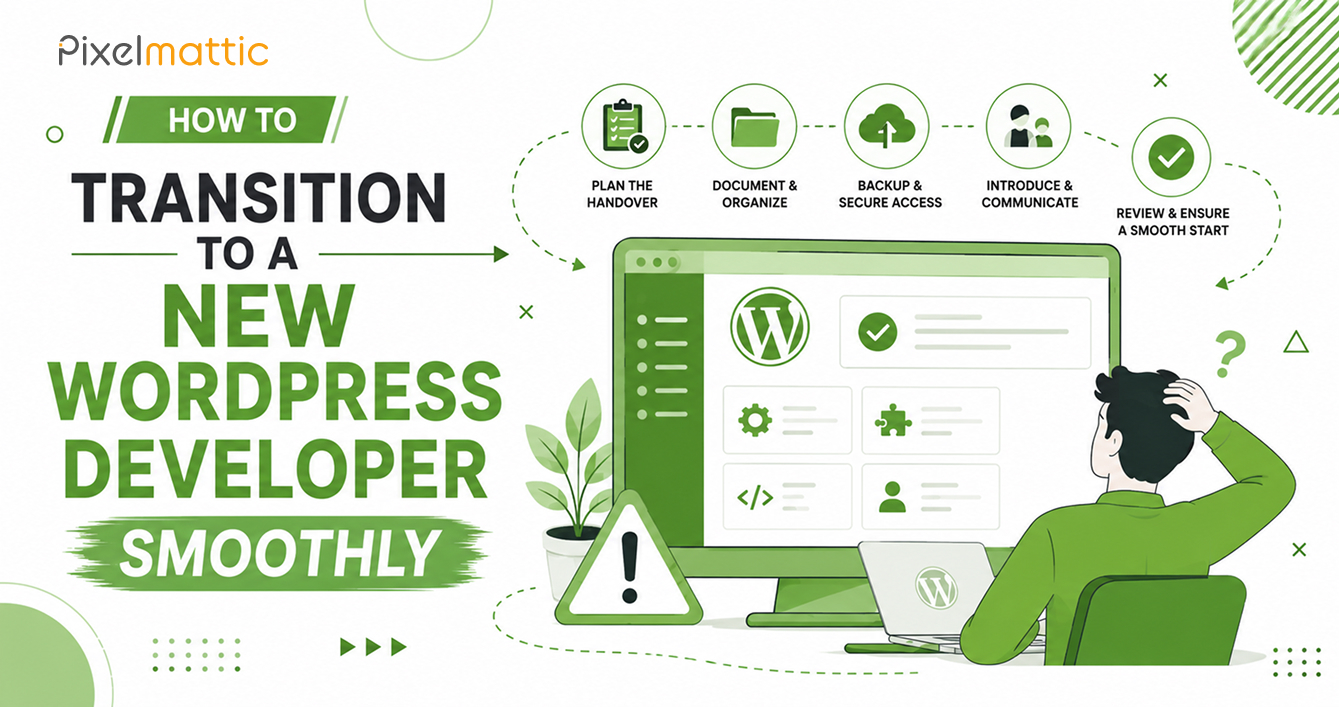
A WordPress website is not a one-time purchase — it’s an ongoing digital asset that requires active care to remain secure, fast, and functional. Yet many business owners are unclear on what ‘maintenance’ actually involves, which makes it difficult to evaluate whether a maintenance plan represents good value.
This guide breaks down exactly what should be included in a proper WordPress maintenance service, so you can assess your own needs — and any provider’s offering — with clarity.
Core Maintenance Components
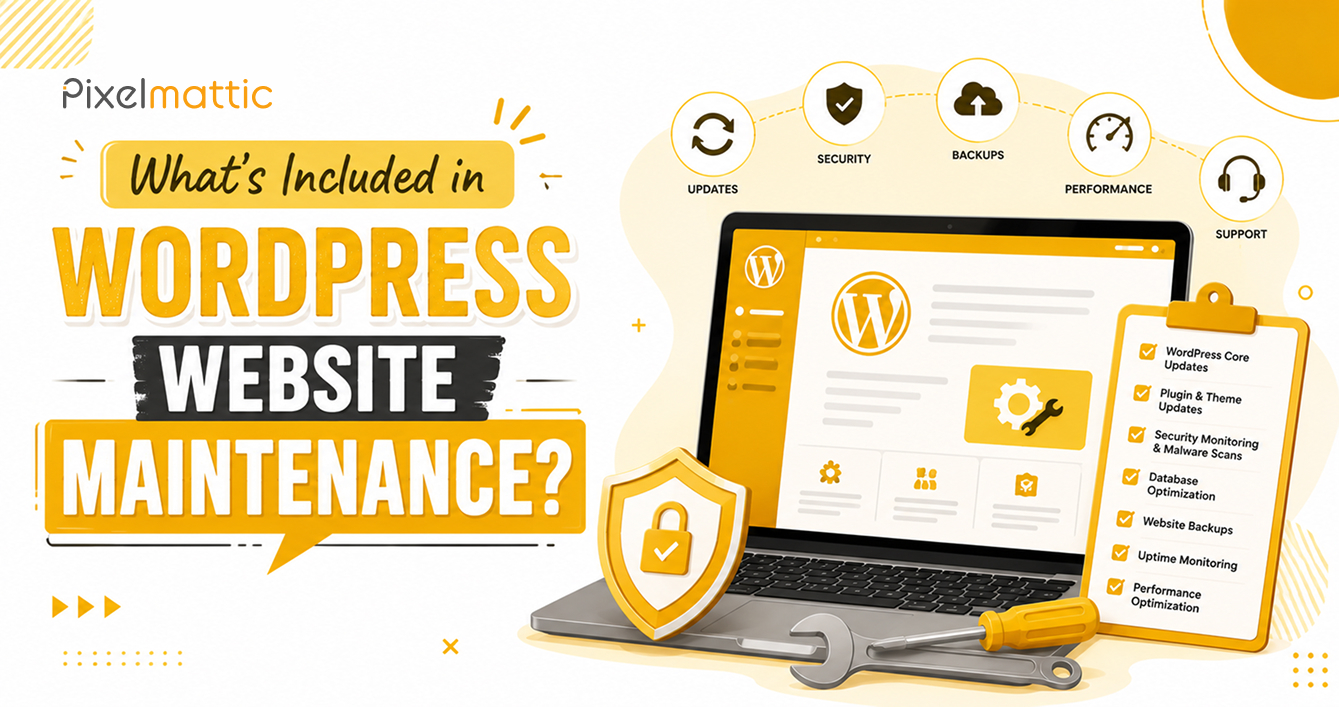
Software updates: WordPress core, themes, and plugins should be updated regularly. This should be done in a staging environment first, with the live site updated only after testing confirms no conflicts.
Security monitoring: Ongoing malware scanning, firewall management, and monitoring for suspicious login attempts or file changes. Some providers include a security plugin subscription as part of the package.
Regular backups: Automated, scheduled backups stored off-site (not just on the same server as the live site), with periodic verification that backups can actually be restored successfully.
Uptime monitoring: Automated monitoring that alerts your provider (and ideally you) if the site goes down, enabling rapid response.
Performance monitoring: Regular checks of page load speed, database health, and server response times, with proactive optimisation as needed.
Broken link monitoring: Periodic checks for broken internal and external links, which affect both user experience and SEO.
Minor content updates: Many maintenance plans include a set number of hours per month for small content changes — text edits, image swaps, or minor layout adjustments.
What Should NOT Be Assumed to Be Included
Major new feature development: Building new pages, adding significant new functionality, or redesigning sections typically falls outside standard maintenance and is billed separately.
SEO strategy and content marketing: Basic technical SEO health may be included, but ongoing SEO strategy, keyword research, and content creation are usually separate services.
Hosting costs: Maintenance fees typically don’t include hosting itself, though some agencies bundle hosting within their maintenance packages — always clarify this explicitly.
Emergency recovery from major incidents: Some providers charge separately for extensive recovery work following a serious security breach, even if regular maintenance is in place. Check this in your contract.
Typical Maintenance Plan Tiers
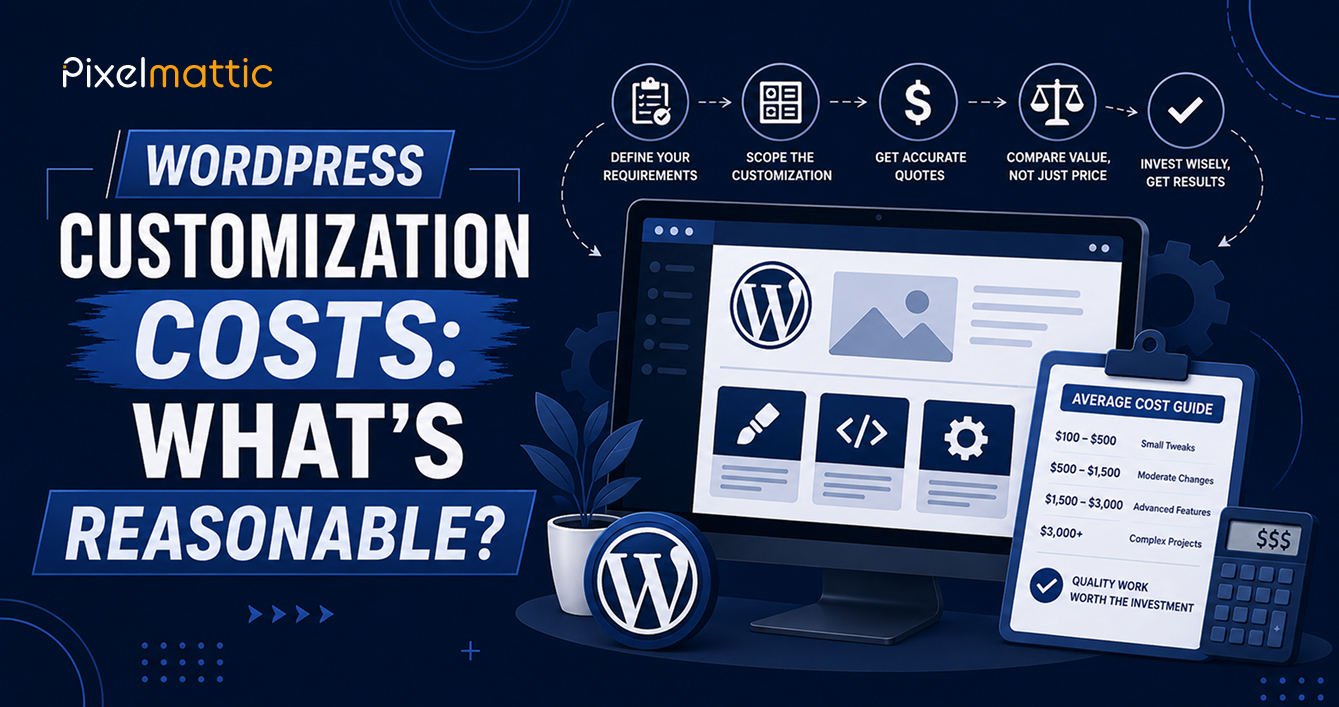
Basic ($50–$150/month): Updates, backups, and uptime monitoring. Suitable for low-traffic, low-complexity sites where downtime risk is limited.
Standard ($150–$500/month): Adds security monitoring, performance optimisation, and a modest allowance of content update hours. Appropriate for most active business websites.
Premium ($500–$2,000+/month): Comprehensive support including priority response times, more substantial content update allowances, monthly performance and security reporting, and proactive strategic recommendations. Suited to business-critical websites with meaningful traffic and revenue dependency.
Why Maintenance Matters More Than Business Owners Often Realise
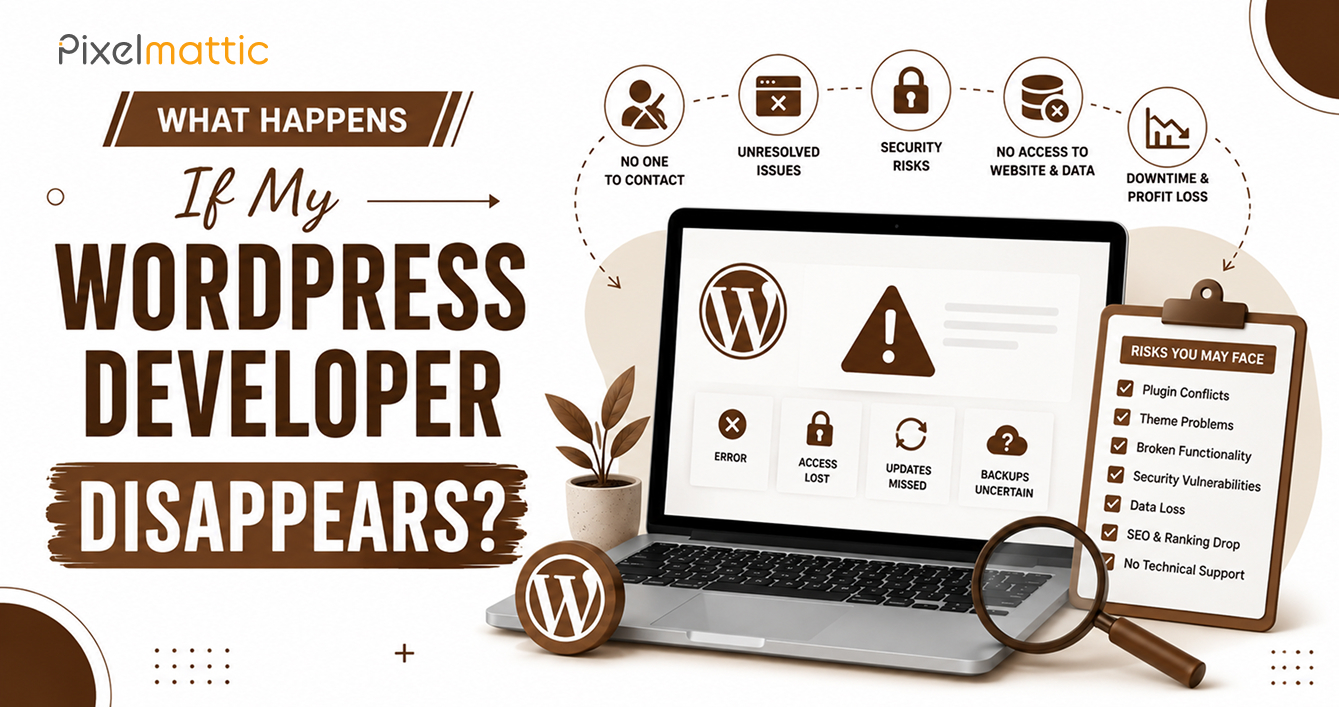
Websites without active maintenance accumulate risk silently. Security vulnerabilities go unpatched. Performance degrades gradually as plugins and content accumulate. Backups, if they exist at all, often go unverified until the moment they’re needed — at which point owners frequently discover they don’t actually work.
A website is a living asset, not a static deliverable. Budgeting for maintenance from the outset is significantly more cost-effective than paying for emergency recovery after a preventable incident.
Want Peace of Mind With Comprehensive WordPress Maintenance?
Explore Pixelmattic’s WordPress maintenance plans.
Frequently Asked Questions
How much should I budget for WordPress maintenance?
For most active business websites, $150–$500/month covers a solid standard maintenance plan including updates, security, backups, and minor content changes. Higher-traffic or business-critical sites may warrant a premium plan.
Do I really need a maintenance plan, or can I manage WordPress myself?
If you have the technical knowledge and time to manage updates, backups, and security monitoring consistently, self-management is possible. Most business owners find that outsourcing this to a professional service is more reliable and ultimately cost-effective.
What happens if I don’t maintain my WordPress website?
Unmaintained sites accumulate security vulnerabilities, experience gradual performance decline, and carry significant risk of catastrophic failure with no reliable recovery path if backups aren’t properly managed.
 October 1, 2026
 WordPress Development
 WordPress Development
 WordPress Development
 WordPress Development